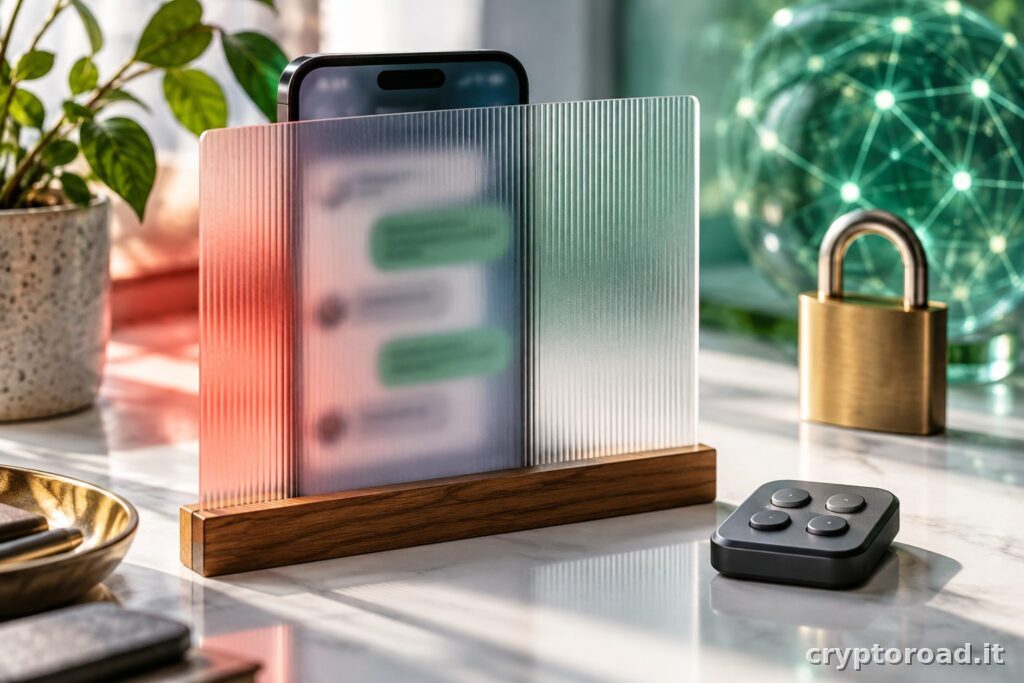
Checked on 23 October 2026. ChatGPT locked chats, announced by OpenAI on 20 October, let users keep conversations while hiding them from ordinary history and opening them with an account PIN. The feature can help with casual onlookers, but it is not an encrypted personal archive and does not automatically change how account data is handled.
That boundary is the important part of the announcement. A conversation that is less visible on a screen is not necessarily confidential against every person or system. Before moving important material, users should understand access, existing sharing links and PIN recovery, particularly when a device is used for work or regularly shown to other people.
ChatGPT locked chats: what changed on 20 October
The OpenAI release notes date the launch to 20 October and describe a gradual rollout. The feature moves selected conversations out of the normal view. It is not a new GPT model, a separate subscription tier or a mode that makes the assistant’s answers more accurate.
For people who use ChatGPT during meetings and screen sharing, the problem is specific: keeping a personal conversation title from appearing beside the current task. There is no need to invent a broader benefit. A narrow feature can still be valuable, provided its name does not encourage users to entrust information under mistaken assumptions about the protection offered.
| Need | How to interpret the feature |
|---|---|
| Reduce casual visibility | This is its intended purpose |
| Create an encrypted vault | This is not a stated capability |
| Change data use | Check the relevant separate settings |
| Recover a forgotten PIN | Read the reset consequences first |
Hidden does not mean encrypted
The official locked-chats guide explains that locking does not create end-to-end encryption or change retention and model-improvement preferences. A PIN protects an access route within the account. It does not replace every other measure needed to protect the account or satisfy an organization’s information-security requirements.
The simplest way to assess the feature is to identify the actual threat. A colleague seeing a sidebar during a presentation is different from someone compromising an account. Reducing exposure in the first situation does not establish protection in the second. A unique password, strong authentication and reviewing active sessions remain separate responsibilities rather than benefits implied by hiding a conversation.
Before locking an important conversation
The documented workflow uses the conversation menu and a dedicated locked-chat area. Before applying it to essential work, try a disposable conversation. Check where it appears, when the PIN is requested and what happens on other signed-in devices. This avoids discovering an unexpected interface behavior while presenting material or sharing a screen with someone else.
There is no need to move everything at once. A bounded trial also reveals accessibility issues and how the feature fits daily habits. For a conversation opened repeatedly throughout the day, an extra access step has a practical cost. The best choice depends on what needs to remain out of sight and who actually uses or sees the device.
A forgotten PIN has serious consequences
OpenAI warns that resetting a forgotten PIN permanently deletes locked chats and content protected only by the previous PIN. Resetting is not the same operation as changing a PIN that is still known. That difference matters before someone makes the feature the only location holding an important piece of work or a valuable conversation.
The practical recommendation is to keep essential material in an appropriate system under the user’s own security rules, rather than treat an assistant’s history as the sole archive. This is not advice to export confidential information indiscriminately. It means deciding where the authoritative original belongs, which copies are allowed and who is responsible for protecting them over time.
Sharing links and memory need separate checks
Locking a chat does not automatically revoke a previously shared link or remove information already remembered. These are distinct controls and should be reviewed separately. The mistake to avoid is interpreting one menu action as a universal revocation of every earlier copy, access route and use of the conversation’s contents across different products and contexts.
For shared work, make a small inventory of recipients, published links and documents copied elsewhere. An interface lock cannot withdraw text already pasted into an email. That observation is not a specific vulnerability report about ChatGPT. It is the general limitation of any measure that changes local visibility after information has already been distributed to another person.
Before a presentation, also inspect the window already open, previews and other signed-in devices. This is an operational habit: do not assume a menu change immediately hides every piece of content already loaded on a screen or displayed elsewhere.
Choose the control that matches the problem
This update concerns everyday interface privacy, not reasoning quality. Our explanation of GPT-6 and Intelligent UI helps separate presentation changes from model capabilities. The broader application strategy is covered in our OpenAI DevDay report. Each addresses a different layer of the same service rather than an interchangeable feature.
The conclusion is straightforward: use ChatGPT locked chats to reduce casual exposure, review sharing and data settings separately, and understand recovery before relying on it. If the requirement is an encrypted vault or a company retention policy, choose a solution designed for that requirement. A hidden conversation should not be mistaken for a comprehensive security or compliance system merely because opening it requires another code.